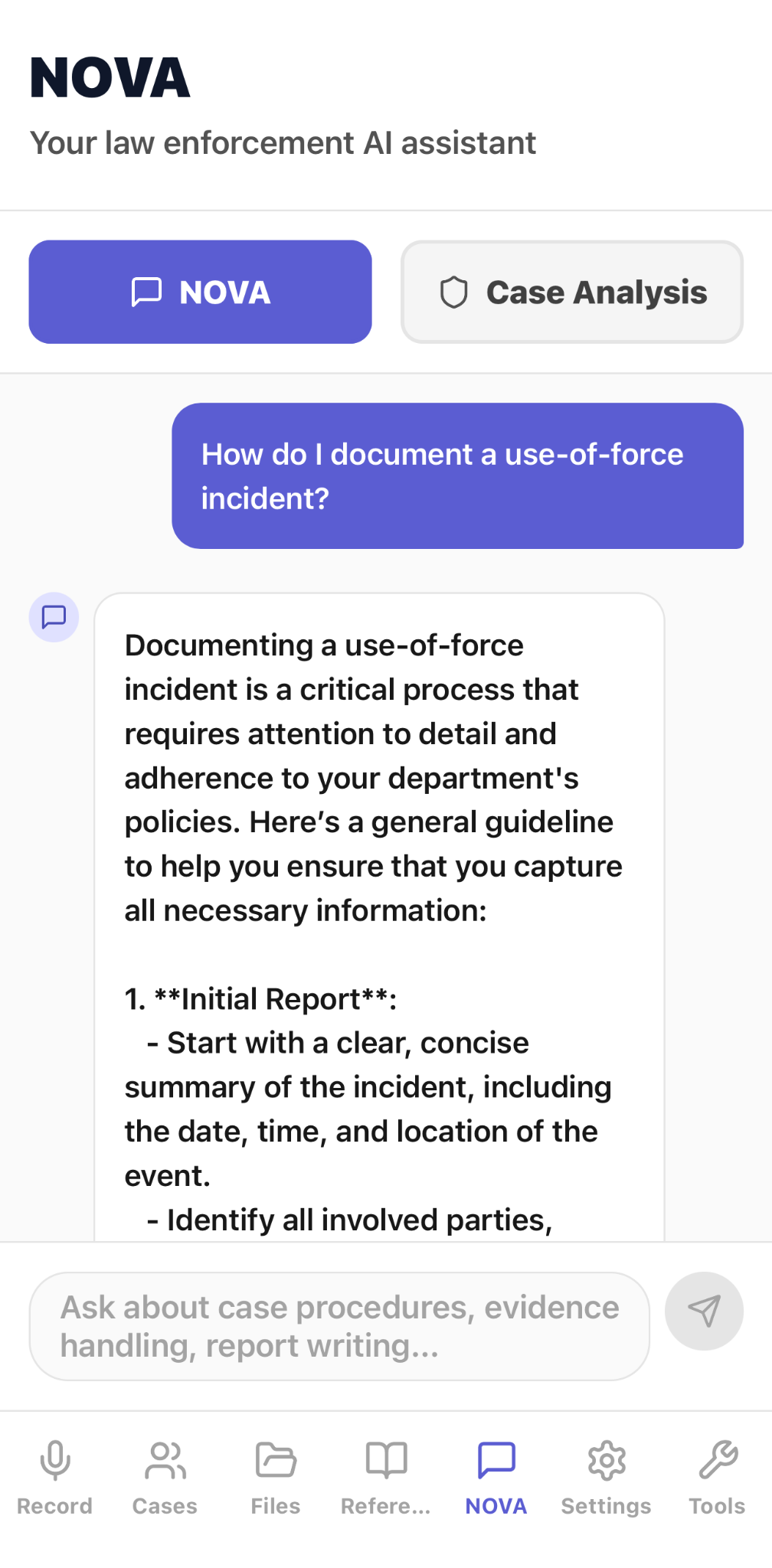
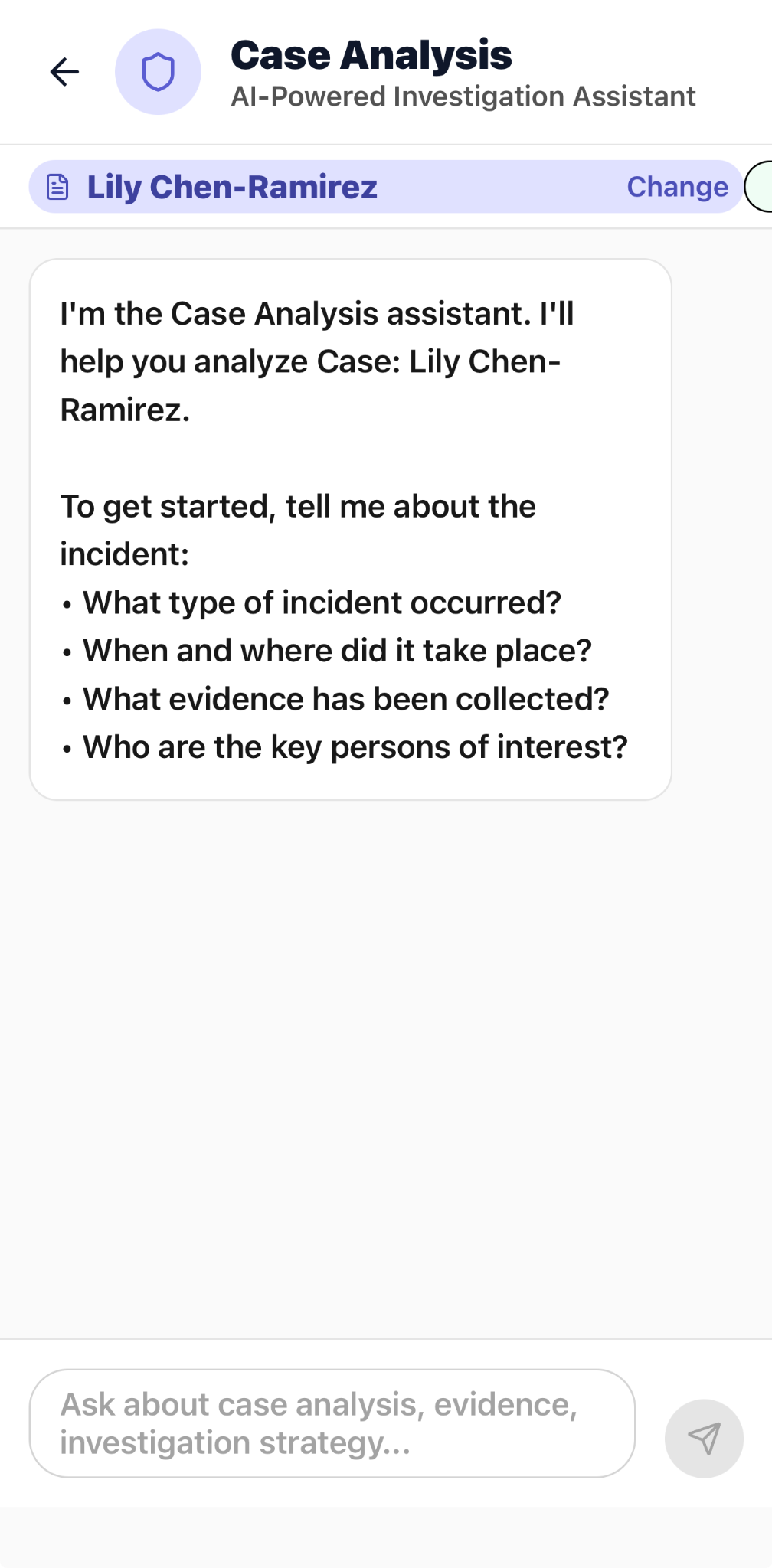
Current CapturePatrol screens show active incident recording, interview transcription, real-time translation, case intake and review, NOVA guidance, evidence capture, and compliance reporting workflows.
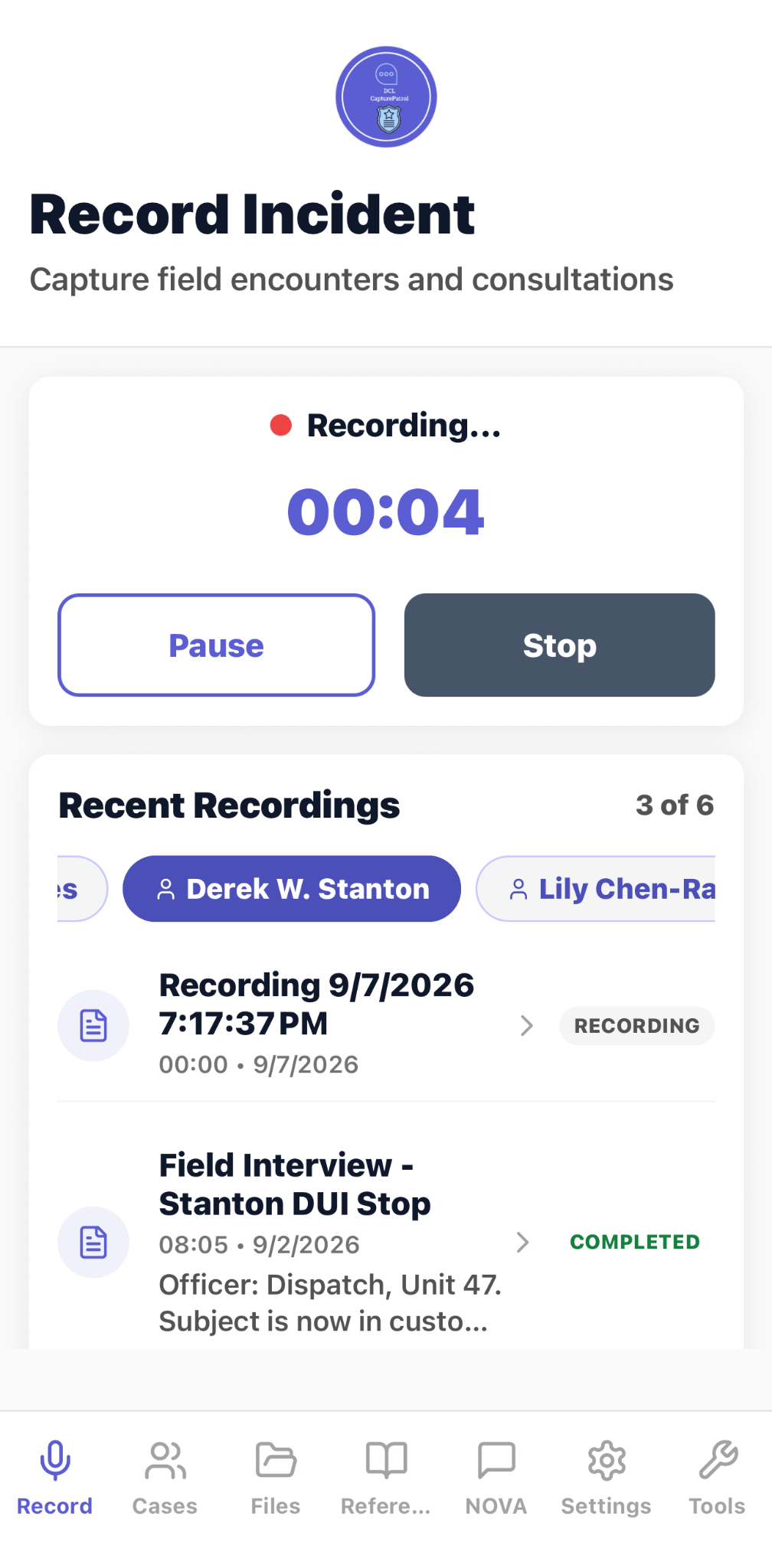
Capture a field encounter while monitoring recording status and reviewing recent recordings.
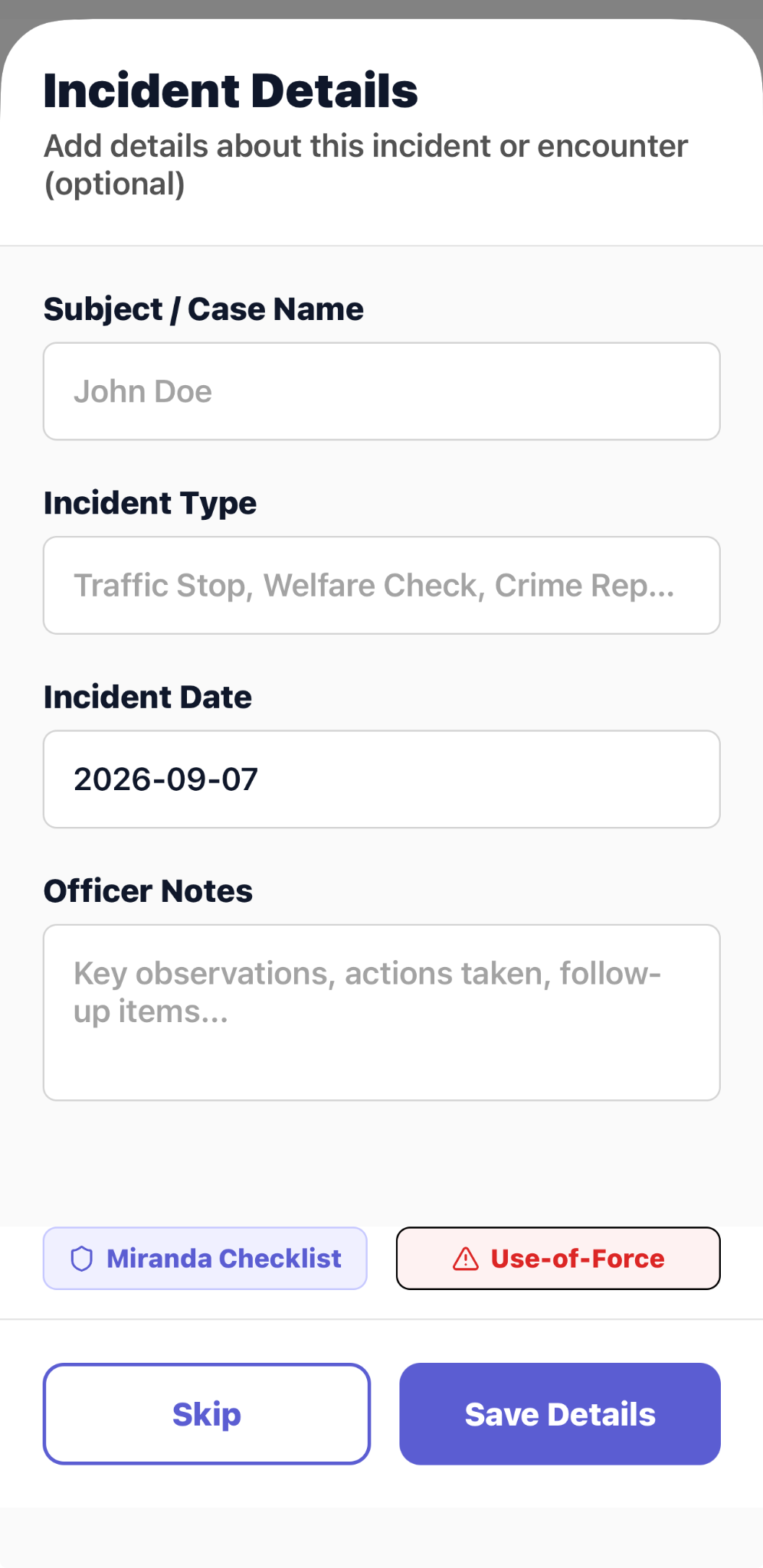
Add optional incident details and open Miranda or use-of-force workflows from the recording flow.
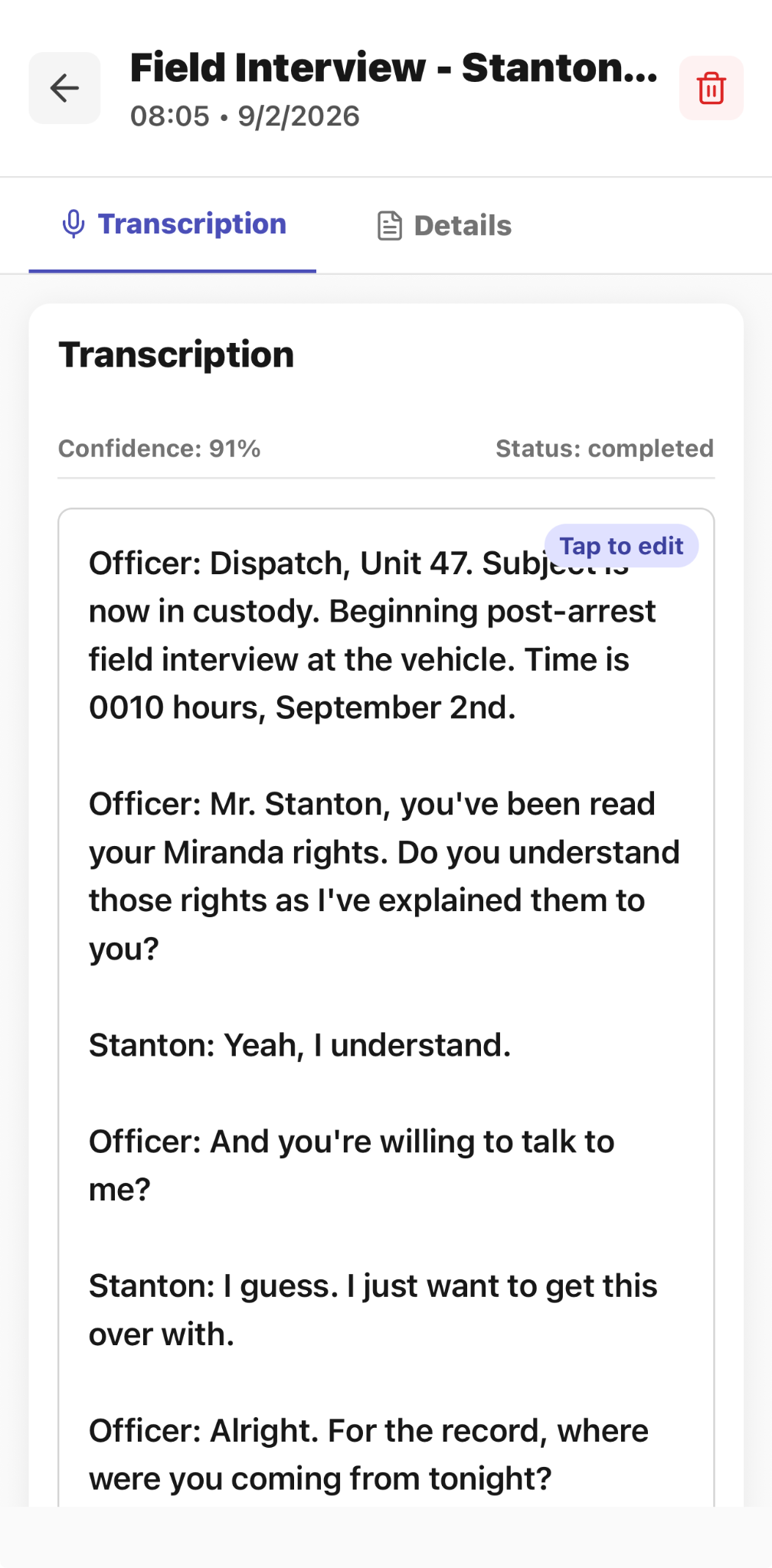
Review a completed field-interview transcript with confidence and completion status.
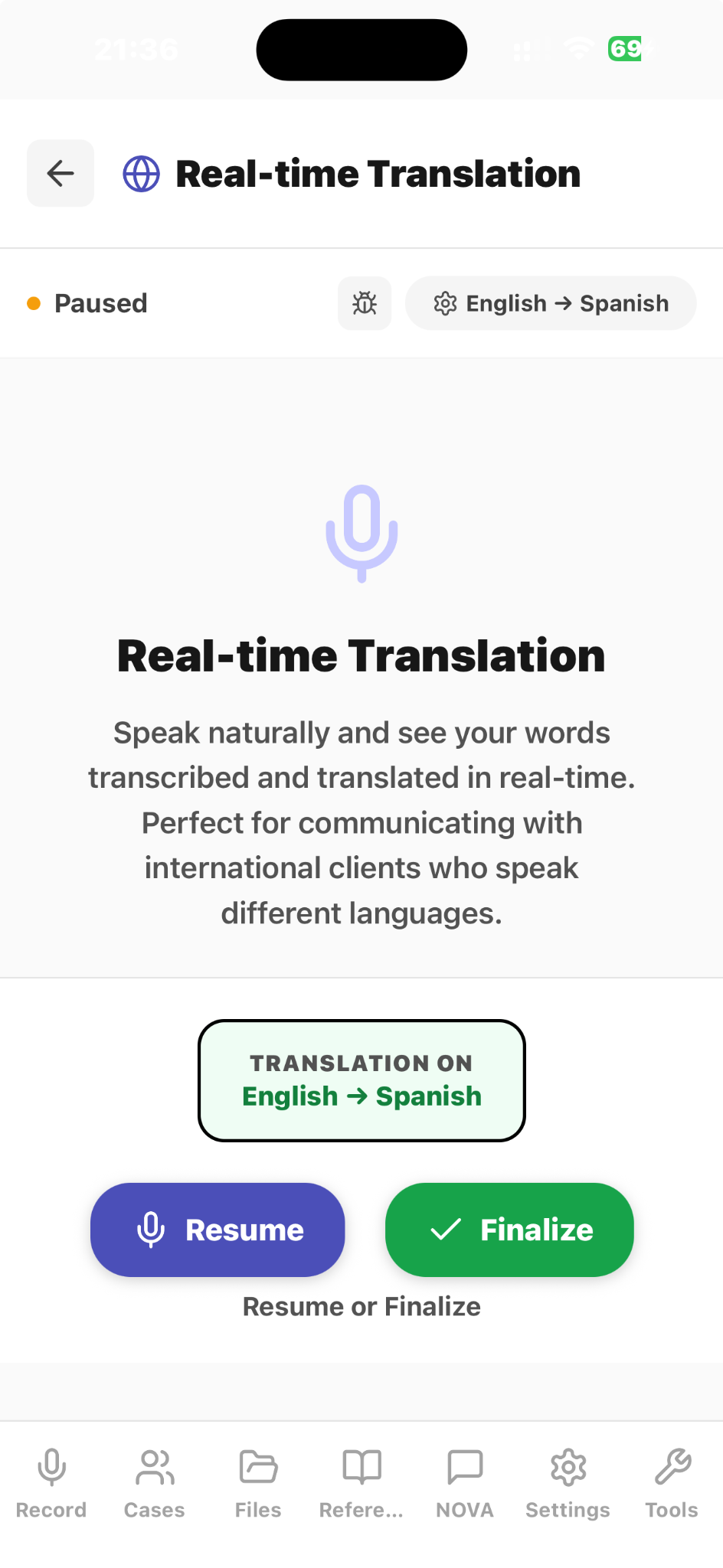
View original speech and its English-to-Spanish translation while the session is running.
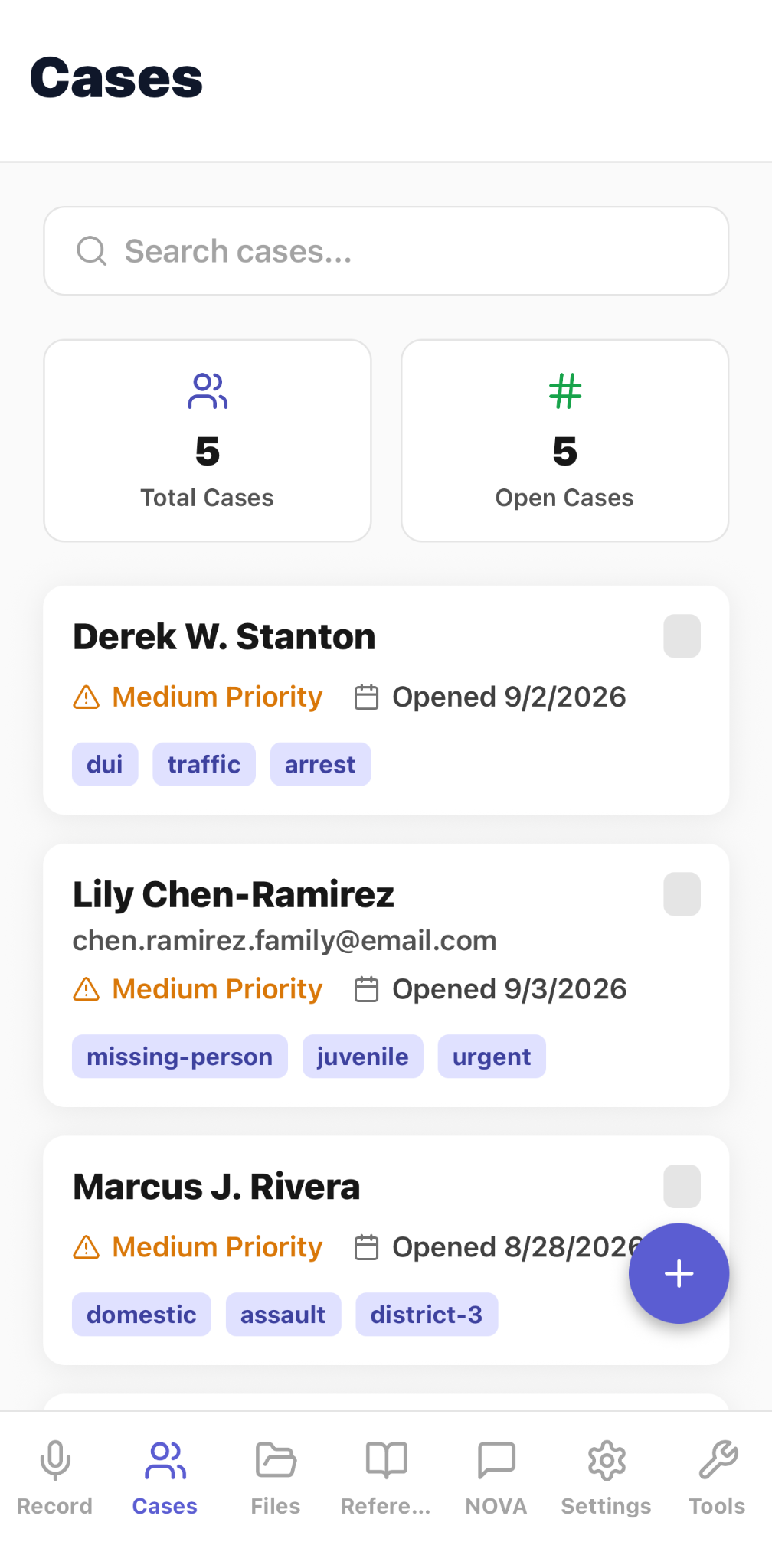
Search and review cases with visible priority, status, opening date, and classification tags.
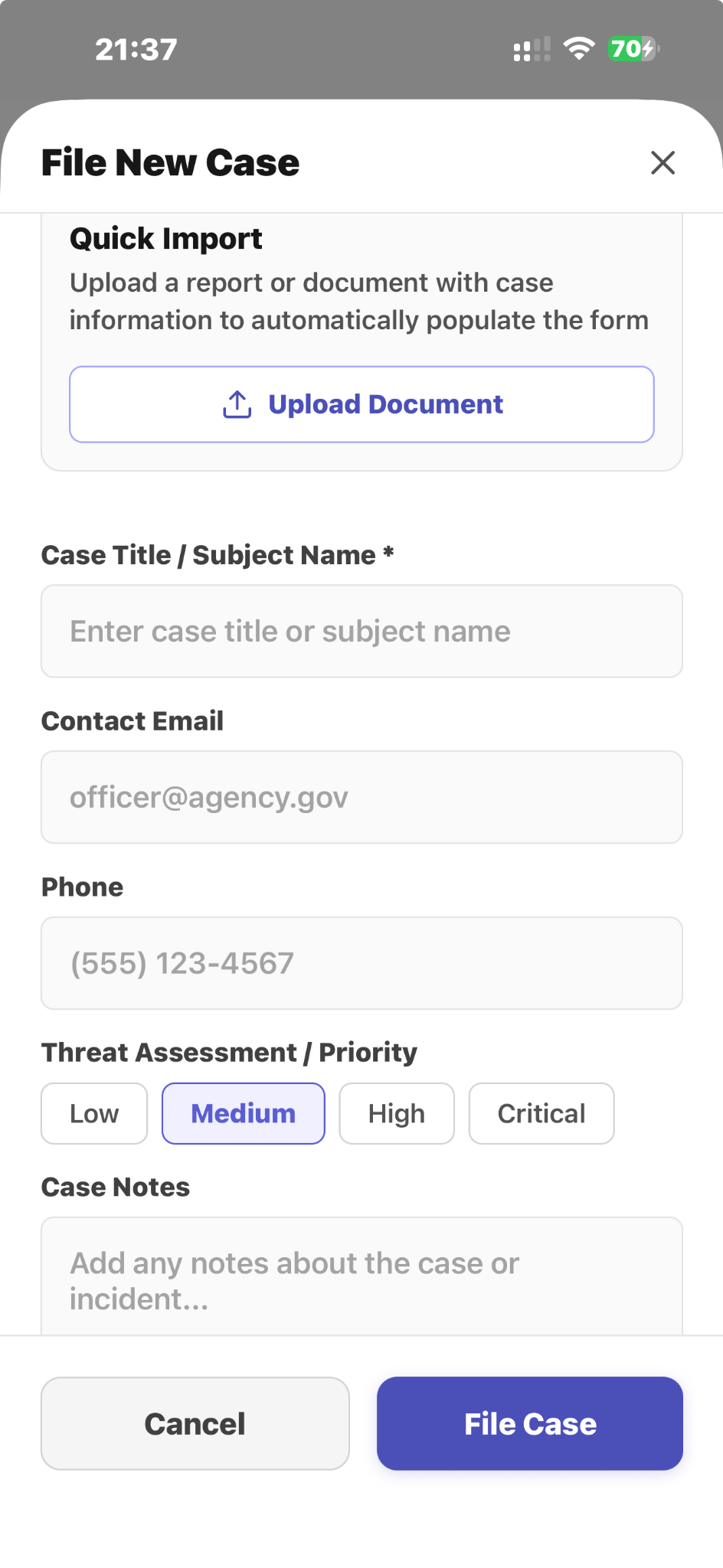
Import a report or document, then add contact details, threat assessment, and case notes before filing.
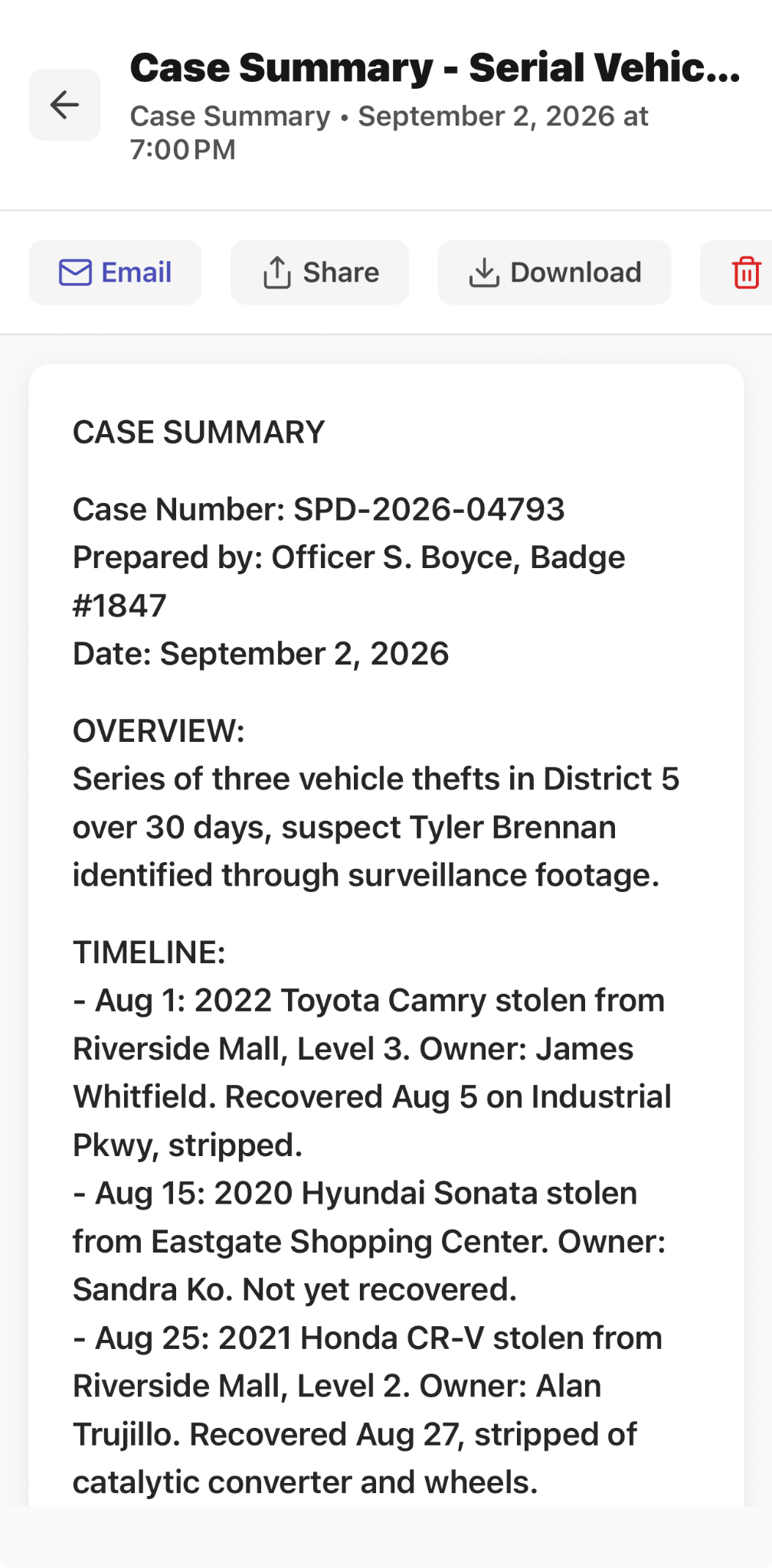
Review a structured case summary and prepare it for email, sharing, or download.
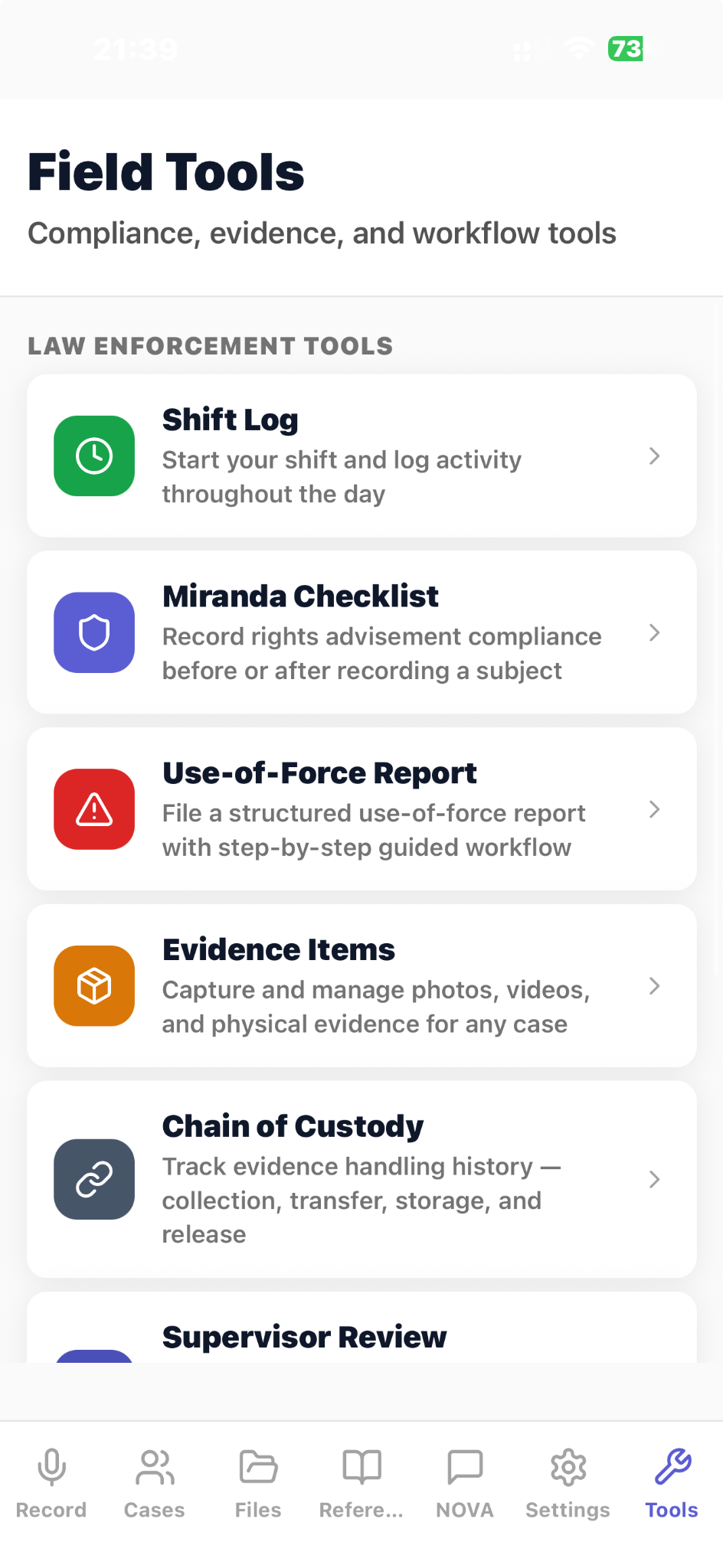
Open Shift Log, Miranda Checklist, Use-of-Force Report, Evidence Items, Chain of Custody, and other field tools.
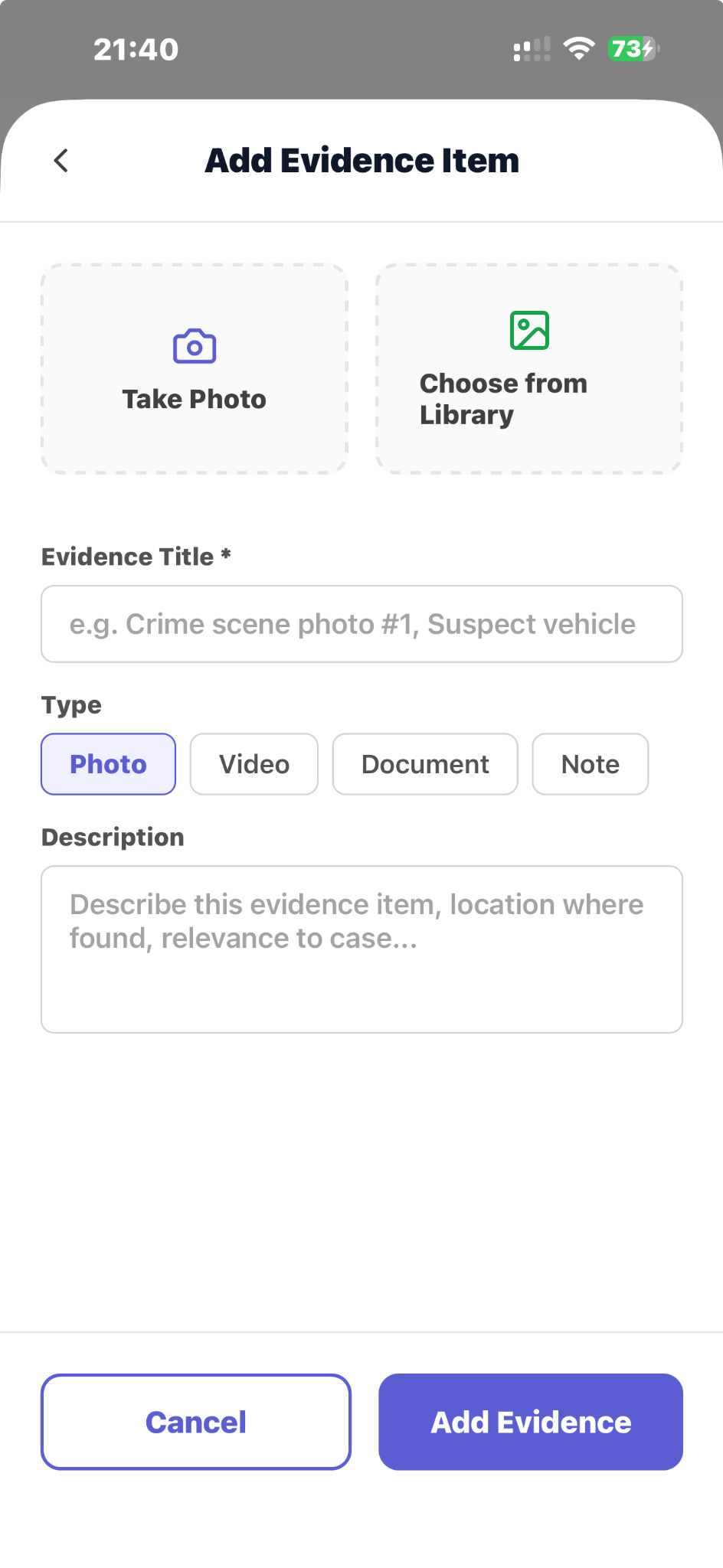
Add a photo, video, document, or note with a title and description.
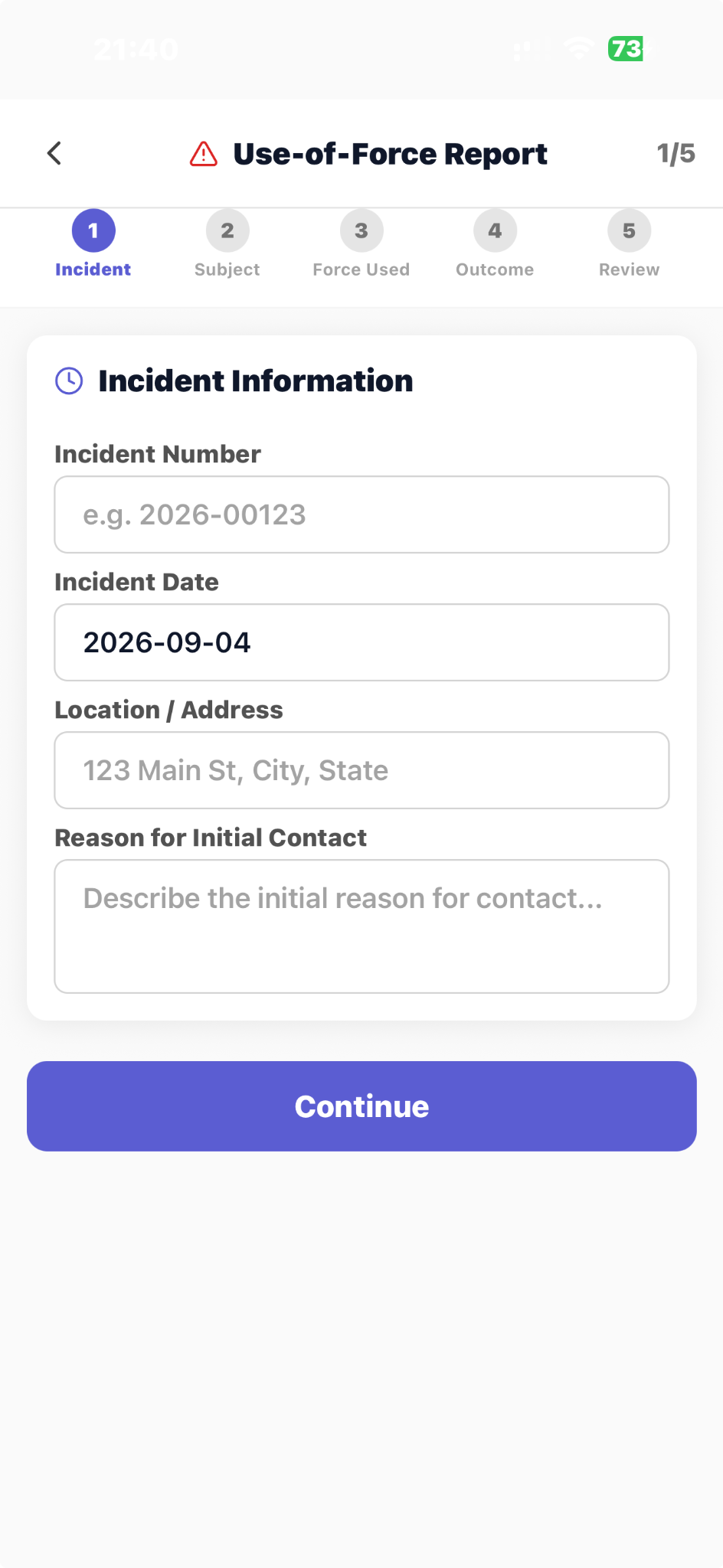
Begin a five-step use-of-force report with incident number, date, location, and reason for contact.
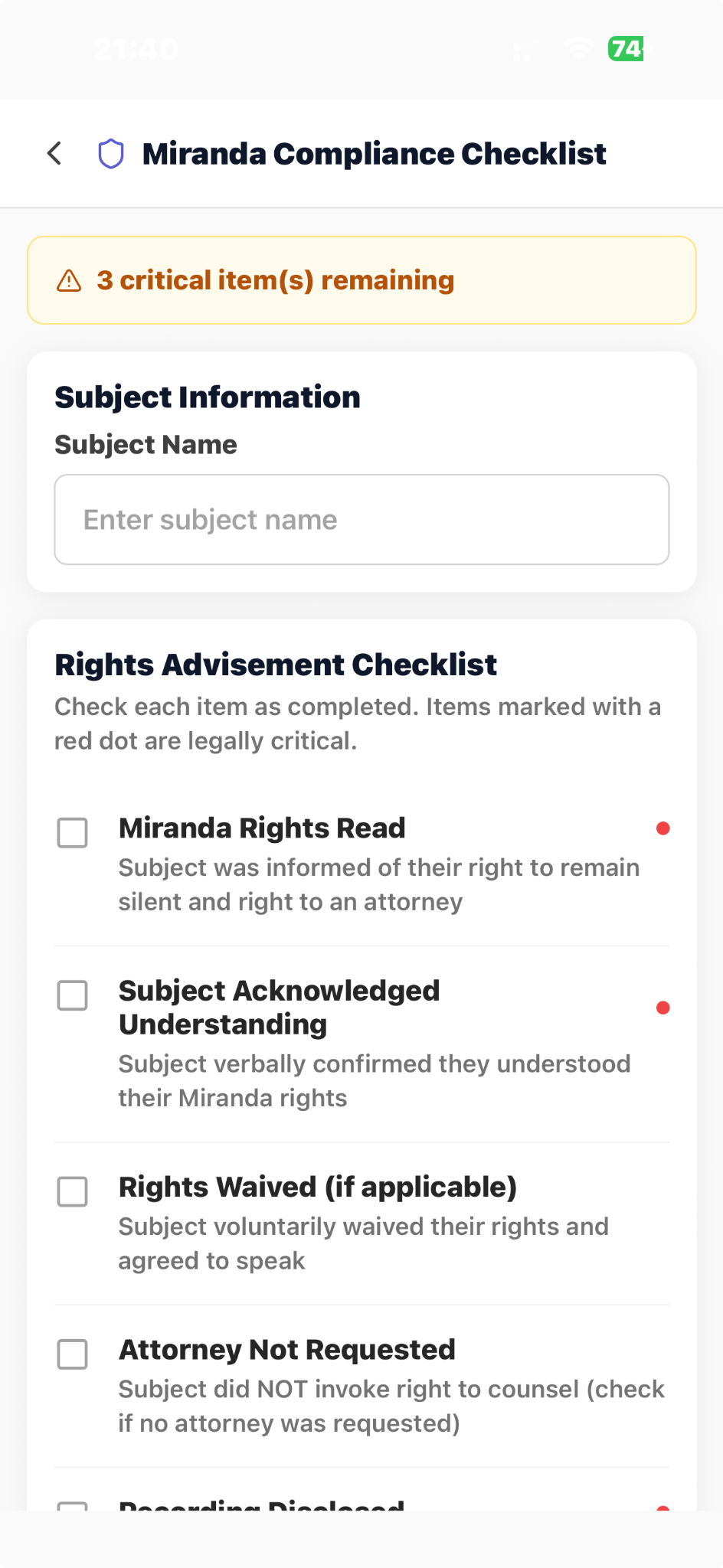
Work through a rights-advisement checklist with critical items clearly marked.
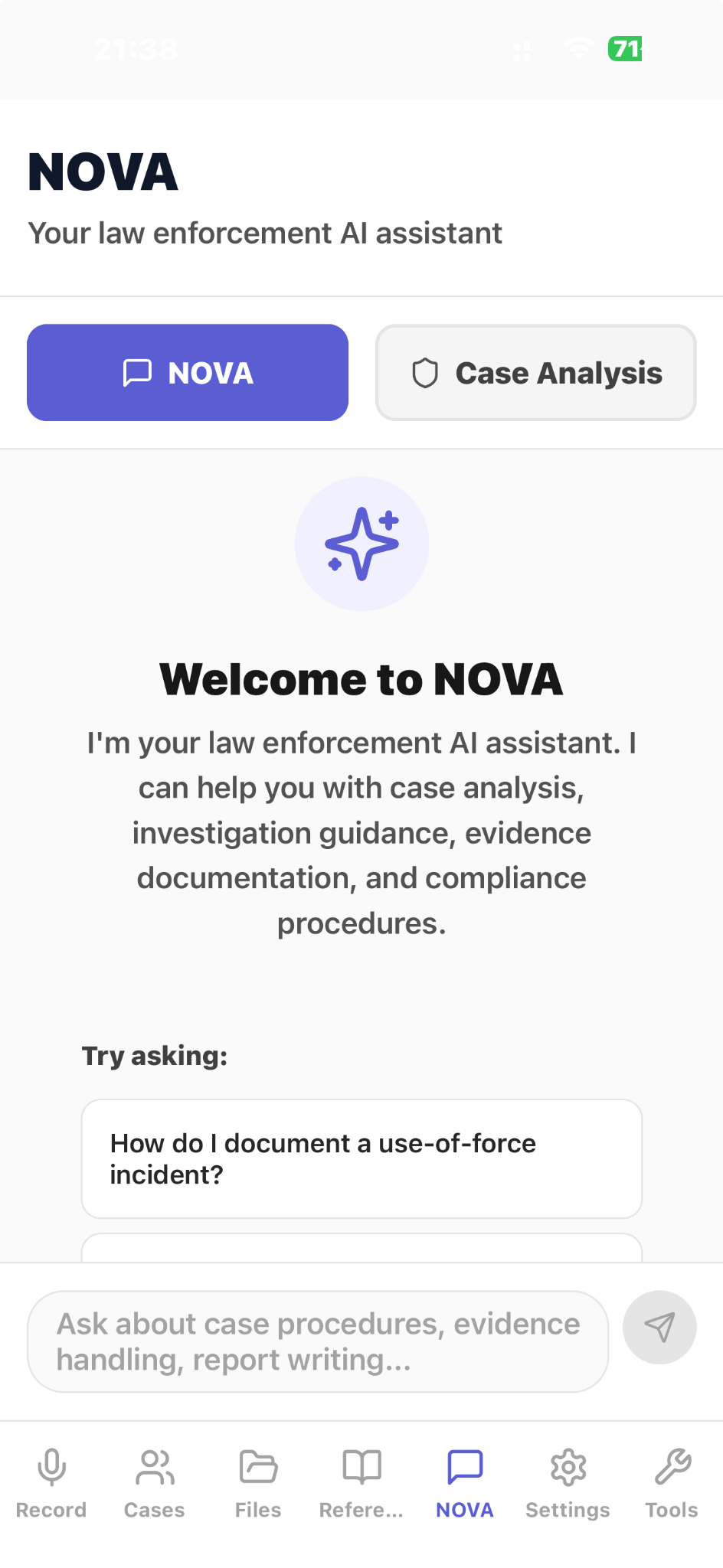
Open NOVA for case analysis, investigation guidance, evidence documentation, and procedure questions.
Ask NOVA a workflow question and receive structured documentation guidance inside the app.
Select a case and work through focused questions covering incident type, location, evidence, and involved parties.
Capture field interviews and voice notes
Collect the source information required for public-safety and field-reporting documentation.
Create incident narratives
Transform captured information into structured incident narratives and report drafts.
Prepare statements and timelines
Organize witness statement drafts and timeline summaries within the workflow.
Support supervisor-ready reporting
Review, verify, and prepare the output for supervisor review and handoff.
Workflow
Capture
Record field interviews, voice notes, and relevant incident details.
Structure
Prepare incident narratives, witness statement drafts, timeline summaries, and reports.
Review
Verify the output and prepare it for the required reporting workflow.
Common use cases
incident reports
witness statements
timeline summaries
field interviews
voice notes
supervisor-ready outputs
Limitations and validation requirements
Users remain responsible for reviewing, verifying, and approving outputs and following applicable policies and procedures.
Frequently asked questions
What is CapturePatrol designed for?
CapturePatrol is designed for public-safety and field-reporting documentation workflows.
What can it capture?
The workflow can capture field interviews, voice notes, and related incident details.
What can it create?
Outputs include incident narratives, witness statement drafts, timeline summaries, and supervisor-ready reports.
Where can I download CapturePatrol?
CapturePatrol is available through the Apple App Store and Google Play links on this page.